
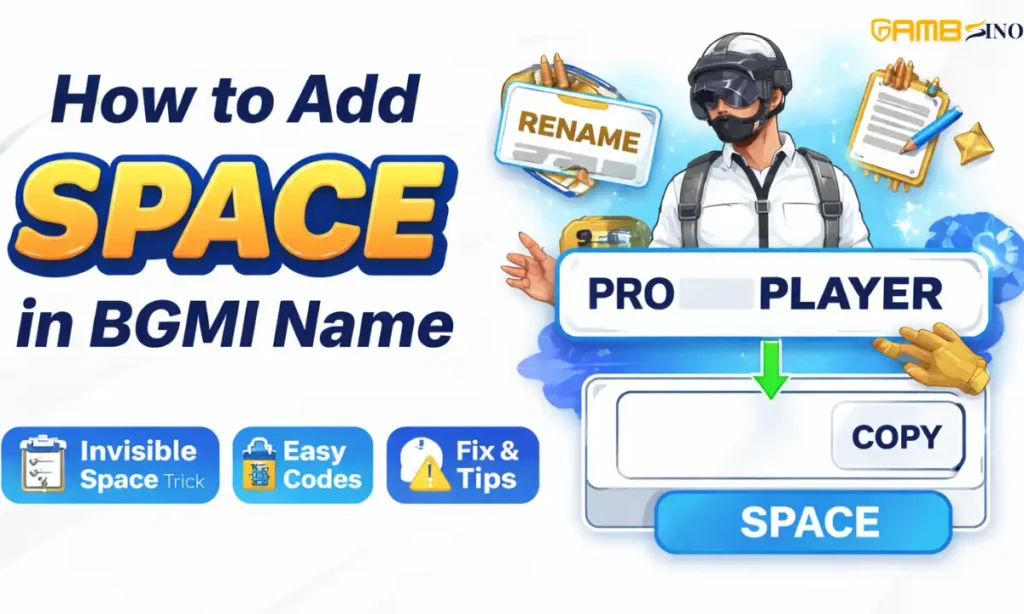
If you are searching for BGMI name space, you are not alone. Thousands of players want a clean, stylish, or unique BGMI username, but face one common issue normal space is not allowed in BGMI names. This complete guide explains why space doesn’t work, how invisible space works, and how you can safely add space in your BGMI name using the most reliable methods.
What Is BGMI Name Space?
BGMI name space means creating a gap between words in your BGMI username. Since Battlegrounds Mobile India does not allow a normal keyboard space, players use special invisible Unicode characters that look like space but are accepted by the game.
These spaces help players:
- Create stylish names
- Separate words clearly
- Make their name look premium or mysterious
Why Normal Space Is Not Allowed in BGMI ?
BGMI’s username system only accepts valid characters. A normal keyboard space is treated as an empty input, so the game:
- Removes it automatically, or
- Shows an “Invalid name” error
That’s why names like PRO GAMER or DARK KING don’t work directly.
What Is an Invisible / Blank Character?
An invisible or blank character is a Unicode symbol that has no visible shape, but it still counts as a character.
Important points:
- Looks like empty space
- Can be copied and pasted
- Works like a space in BGMI
- 100% safe when used normally
This is the only working method to add space in BGMI names.
Also, Read: BGMI Names: Stylish, and Unique In-Game Names 2025
How to Add Space in BGMI Name (Step-by-Step)
Follow these steps carefully:
Step 1: Get a Rename Card
If you are changing an existing name, make sure you have a Rename Card.
Step 2: Copy an Invisible Space
Use a trusted blank text / invisible character generator and copy one invisible character.
Step 3: Open BGMI Rename Option
Go to:
- Profile → Edit Name
Step 4: Paste Invisible Space
Paste the invisible character between words where you want space.
Example:
DARKㅤWARRIOR
Step 5: Save the Name
Confirm and save. Your name will now show a clean space.
Invisible Characters List for BGMI
These invisible Unicode characters are commonly used:
- Hangul Filler (most stable)
- Zero-Width Space
- Non-Breaking Space
- Braille Pattern Blank
Tip: Use only one invisible character at a time for best results.
BGMI Name Space for Android vs iOS
Android:
- Most invisible characters work smoothly
- Copy-paste is reliable
- Fewer save errors
iOS (iPhone):
- Some characters may not paste correctly
- Try pasting in Notes first, then copy again
- Use Hangul Filler for better success
Character Limit & BGMI Name Rules
Things to remember:
- BGMI usernames have a character limit
- Invisible space counts as one character
- Too many spaces may cause save failure
Best practice:
Use 1 invisible space only
Avoid excessive symbols
Also, Read: BGMI Clan Names for Gaming Squads
BGMI Name Space Not Working? (Fixes)
If your name is not saving, try these fixes:
- Use a different invisible character
- Remove extra symbols
- Restart the game
- Ensure name is not already taken
- Check rename card availability
Most issues are fixed by changing the invisible Unicode.
BGMI Name Space Examples
Here are some working examples:
- PROㅤPLAYER
- DARKㅤSOUL
- KINGㅤOP
- XㅤSNIPER
The visible gap is actually an invisible character.
Is Using BGMI Name Space Safe or Bannable?
Yes, it is safe.
Based on player experience:
- No bans reported for invisible space
- Many streamers and pro players use it
- Allowed as long as the name follows rules
Avoid offensive or misleading names to stay safe.
Updates & Future Changes
BGMI updates may:
- Disable certain Unicode characters
- Add stricter filters
- Change paste behavior
If one space stops working, simply switch to another invisible character. This trick has survived multiple updates so far.
FAQs
Can I use normal space in BGMI name?
No, normal keyboard space is not allowed.
What is the best invisible space for BGMI?
Hangul Filler is the most stable.
Do I need a rename card every time?
Yes, for changing an existing name.
Can I make a fully blank BGMI name?
Sometimes yes, using only invisible characters.
Does this work on Android and iOS?
Yes, but Android works more smoothly.
Will BGMI remove my name later?
No, if rules are followed.
Final Thoughts
The BGMI name space trick is the easiest and safest way to create a stylish username. Since normal space doesn’t work, invisible Unicode characters are the only real solution. Use them smartly, keep your name clean, and stand out on the battlefield.
Also, See: 199+ BGMI Names for Boys: Stylish, Cool, Killer, Pro & Trending Name Ideas (2026)